What Tools Should You Avoid When Cleaning Used Tech?
Buying used gadgets can save money and reduce waste, but hidden grime and germs often linger on surfaces. Before powering on any secondhand device, thorough cleaning is essential to ensure both hygiene and functionality. Experts recommend starting the process as soon as you bring the item home, especially if it has been stored or handled by multiple people.
Latest news
 YouTube is tightening rules for low-effort Shorts
 Google releases Android 17 QPR 3 Beta 1 for testing
 Samsung Galaxy S26 FE Slashes $40 Off Its Launch Price
 Meta Launches Muse Gadgets to Bring Brain-Sensing Tech to DIY Hardware
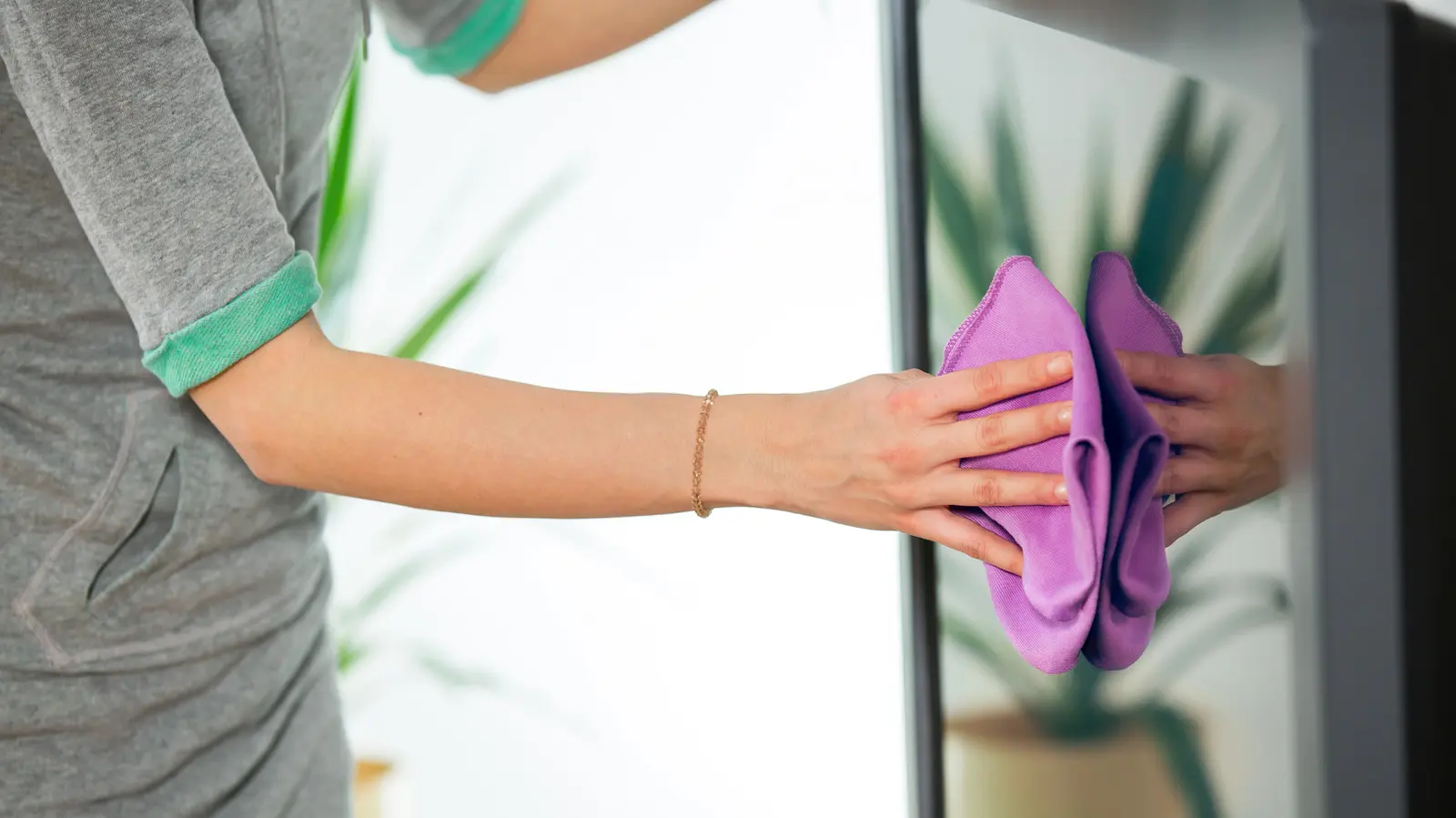
Begin by unplugging the device and removing any batteries or accessories. Use a microfiber cloth lightly dampened with water to wipe down exterior surfaces, avoiding ports and openings. For stubborn residue, a small amount of isopropyl alcohol (70% or less) applied to the cloth—not directly on the device—can help disinfect without damaging finishes. Pay special attention to keyboards, touchscreens, and buttons where oils and dirt accumulate.
Never use paper towels, window cleaners, or aerosol sprays, as they can scratch screens or leave harmful residues. Avoid submerging any electronic item in liquid, even if it seems water-resistant. Cotton swabs can be useful for cleaning tight spaces like charging ports, but use them gently to prevent pushing debris further inside. Always let the device dry completely before reassembling or turning it on.
How Can You Tell If a Device Is Safe to Use After Cleaning?
After cleaning, inspect for any signs of corrosion, sticky residue, or unusual odors that might indicate internal damage. Test basic functions like powering on, charging, and touch responsiveness before full use. If the device behaves unusually or shows visible damage internally, it may require professional evaluation. Proper cleaning not only makes secondhand tech safer to use but also extends its lifespan, supporting sustainable consumption habits. Frequently Asked Questions Can I use disinfecting wipes on my secondhand laptop or phone? Only if they are alcohol-based and labeled safe for electronics; avoid bleach or hydrogen peroxide wipes that can degrade coatings.
Is it necessary to clean the inside of a device like a desktop computer? Only if you're experienced with hardware; otherwise, focus on exterior surfaces and consult a guide or professional for internal dust removal.
What if the secondhand device smells musty or smoky after cleaning? Air it out in a well-ventilated area for 24 hours; persistent odors may indicate deep absorption into materials and could be difficult to fully remove.
Comments
Leave a comment