What Hardware Is Required to Use the New Siri Voices?
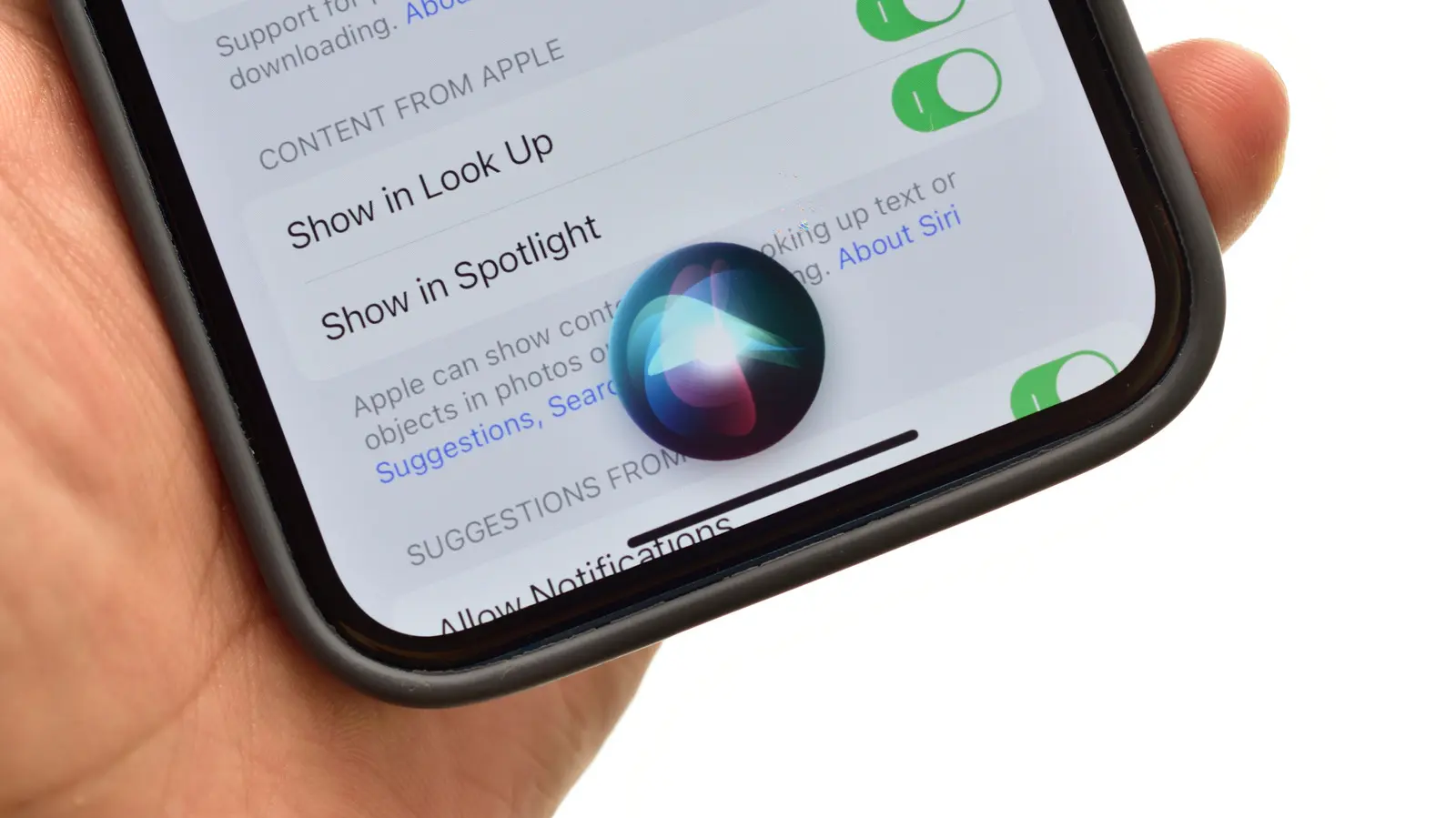
Apple is set to introduce more expressive and customizable Siri voices with the release of iOS 27, but the feature will only be available on devices equipped with the latest hardware. The update, announced in September 2026, aims to enhance user interaction by making Siri sound more natural and responsive. Users with compatible i Phone and iPad models will be able to adjust voice characteristics such as tone, pitch, and speaking style through updated settings in the Accessibility menu. This marks a significant step in Apple’s ongoing effort to personalize its virtual assistant.
Latest news
 Anker Unveils Playful 45W Charger With Animated Face Display
 Google Docs Web Version Still Missing Native Dark Mode
 Anthropic-Linked Vulnerability Exploited From China, Targets US and Japan
 Text‑Based AI Agents: Your New Digital Assistants
The enhanced voice options are powered by on-device machine learning, allowing for real-time adjustments without relying on cloud processing. Apple says the new voices were developed using diverse speech patterns to improve clarity and inclusivity across accents and languages. While earlier versions of Siri offered limited voice choices, iOS 27 expands the selection significantly, including new expressive modes that adapt to context—such as sounding more energetic during morning routines or calmer during bedtime interactions. The company emphasizes that all voice processing remains private and secure.
How Will Users Customize Siri’s Speaking Style?
Only i Phone 15 Pro and later models, along with iPad Pro and iPad Air devices featuring the M2 chip or newer, will support the full range of expressive Siri voices in iOS 27. Older devices may receive the operating system update but will not gain access to the advanced voice customization features due to insufficient neural engine performance. Apple has not confirmed whether future software optimizations could extend support to older models, but current requirements highlight the growing role of on-device AI in enabling advanced features.
Users can access the new voice settings under Settings > Accessibility > Siri, where they’ll find sliders for adjusting expressiveness, speech rate, and vocal tone. Preview buttons allow real-time listening before applying changes. Apple also introduces voice modes tailored to specific scenarios, such as „Focus” for reduced distractions or „Social” for more engaging conversations. These modes can be scheduled or triggered automatically based on time of day or usage patterns, offering a more adaptive assistant experience.
Will the new Siri voices work with third-party apps? Yes, developers can integrate the updated Siri voices into their apps using the latest SiriKit framework, ensuring consistent voice output across system and third-party interactions.
Frequently Asked Questions
Can I switch between different voices depending on the task? Absolutely. iOS 27 allows users to assign specific voices to different functions—for example, using a calmer voice for reminders and a more upbeat one for music controls—through customizable voice profiles in Settings.
Is there an option to use a completely custom voice recording? Not at this time. Apple continues to offer only pre-designed voice options, though the company says it is exploring future possibilities for personalized voice synthesis while maintaining strict privacy safeguards.
Comments
Leave a comment