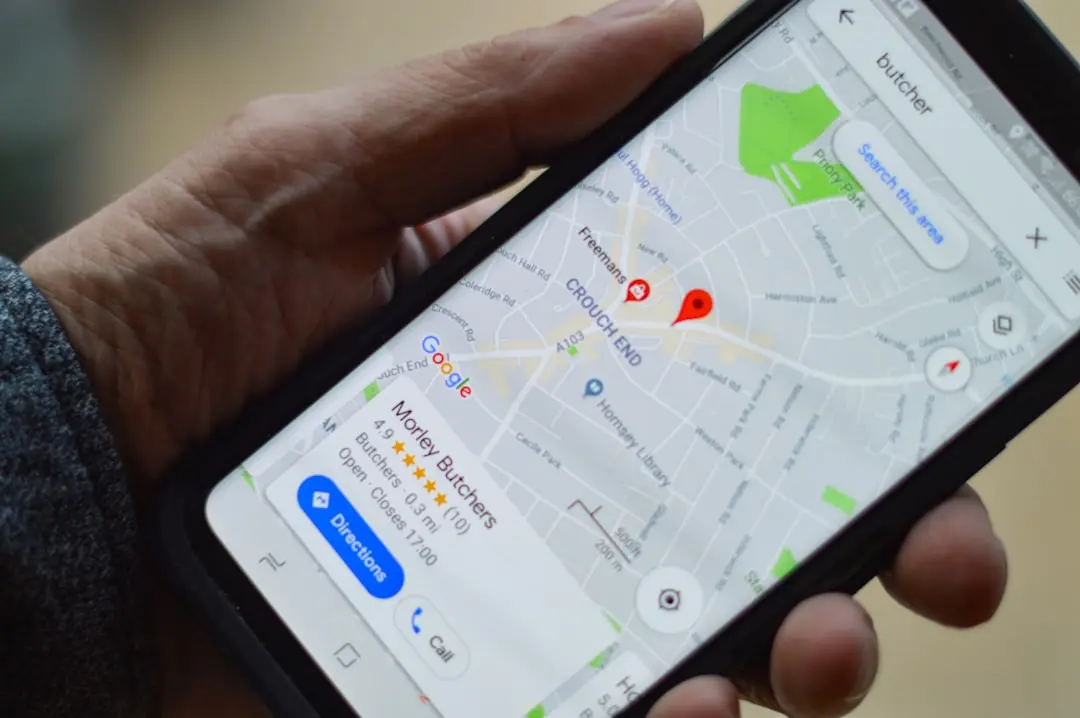
Speed Limits Now Always Visible in Android Auto
Google is expanding the functionality of Google Maps on Android Auto, introducing real-time speed limits and a built-in speedometer that display continuously, even when no destination is set. The update marks a significant enhancement for drivers seeking safer, more informed travel experiences directly through their vehicle's infotainment system.
Latest news
 Anker Unveils Playful 45W Charger With Animated Face Display
 Google Docs Web Version Still Missing Native Dark Mode
 Anthropic-Linked Vulnerability Exploited From China, Targets US and Japan
 Text‑Based AI Agents: Your New Digital Assistants
Previously, the speedometer feature in Google Maps for Android Auto was inconsistent, appearing only under certain conditions or for specific users. The new rollout ensures that speed limit information and a live speedometer are now reliably available at all times, regardless of whether active navigation is in progress. This change addresses long-standing user requests for more accessible driving assistance tools, particularly for those who want ongoing awareness of road regulations without initiating a route.
The speed limit feature first debuted in Google Maps back in 2019, initially appearing only during turn-by-turn navigation. Over time, the company gradually expanded its coverage to more roads and regions. Now, with the latest Android Auto integration, these limits are displayed prominently on the dashboard even when the app is running in the background or when the driver hasn’t entered a destination.
Drivers Gain Constant Awareness Without Starting Navigation
According to user reports and early access feedback, the speed limit signs appear in green or red depending on whether the driver is exceeding the posted limit. The accompanying digital speedometer provides real-time readings synced with GPS data, helping motorists maintain legal speeds without needing to glance at physical instruments.
One of the key benefits of this update is that users no longer need to begin navigation to access speed-related information. This is particularly useful for commuters, delivery drivers, or anyone making short trips where setting a destination isn’t necessary. The persistent display supports safer driving habits by reducing the need to check phone apps or roadside signage manually.
Google has not yet released official global rollout timelines, but initial reports suggest the feature is beginning to reach users in North America and parts of Europe. As with other Google Maps enhancements, availability may vary based on device compatibility, regional data accuracy, and car infotainment system support.
The integration reflects Google’s broader push toward embedding more driving assistance features into its ecosystem. By making speed data more accessible, the company aims to help reduce speeding violations and improve overall road safety.
Frequently Asked Questions
Will the speedometer work on all Android devices? The feature requires a compatible Android Auto setup and may depend on the vehicle’s infotainment system. Not all older models support the latest updates.
Can I disable the speed limit display? Currently, there is no built-in toggle to turn off the persistent speed limit overlay in Android Auto. Users must rely on system-level settings or avoid using the app while driving.
Does the speed limit data update in real time? Yes, the information is refreshed dynamically using GPS and map data, including adjustments for temporary changes like construction zones or event-based modifications.
Comments
Leave a comment