Widgets Now Rest While Your Phone Sleeps
Google has released a fresh version of the Google Home app, rolling out to Android users worldwide this week. The update pauses widget background activity when the phone’s screen is off, aiming to extend battery life. It also includes a suite of fixes for voice assistant glitches, camera integration, and multi‑account handling.
Latest news
 YouTube is tightening rules for low-effort Shorts
 Google releases Android 17 QPR 3 Beta 1 for testing
 Samsung Galaxy S26 FE Slashes $40 Off Its Launch Price
 Meta Launches Muse Gadgets to Bring Brain-Sensing Tech to DIY Hardware
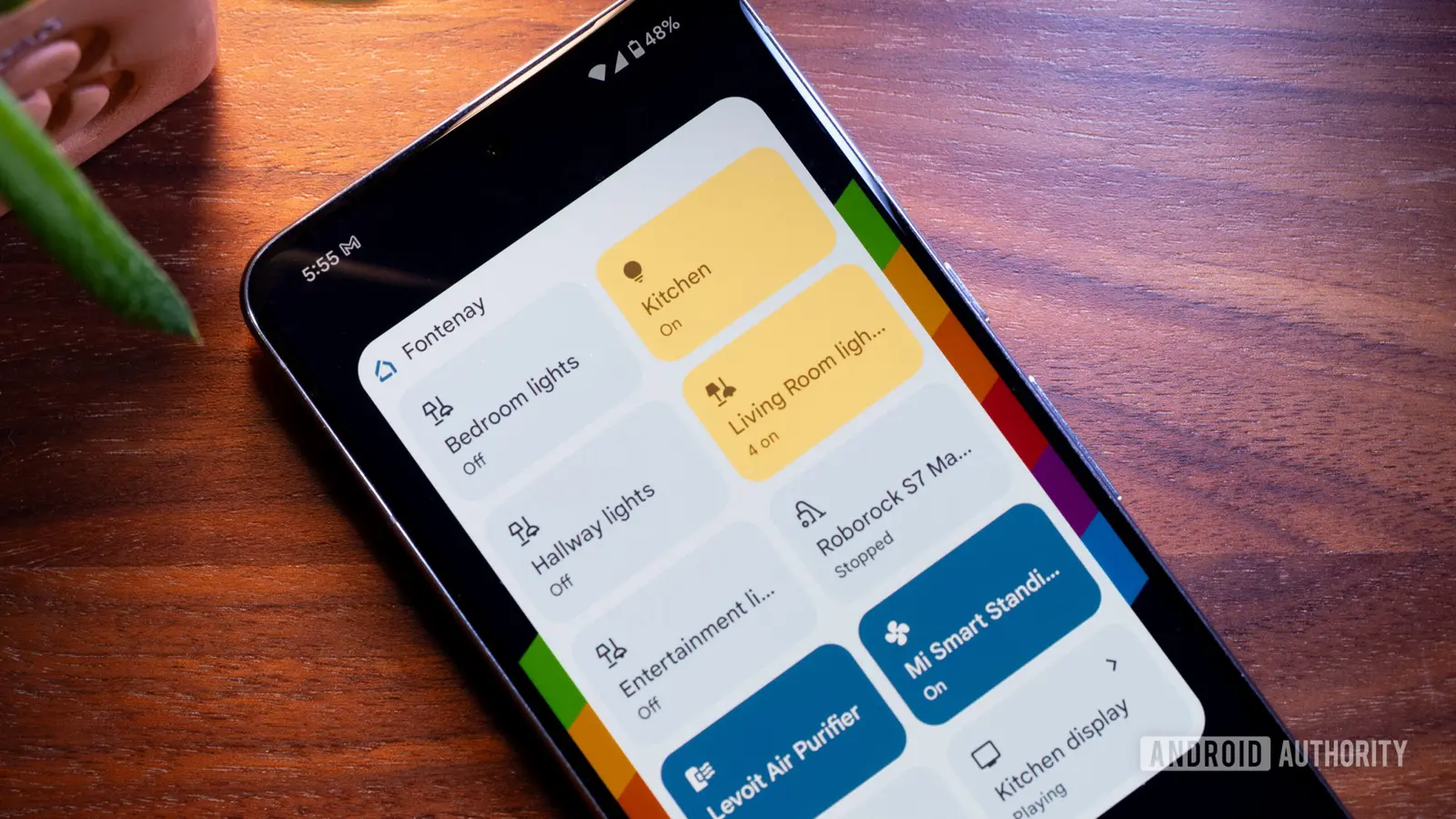
The change targets the app’s home‑screen widgets, which previously refreshed every few minutes regardless of screen state. By suspending these updates while the display is dark, the app reduces power consumption noticeably. Engineers say the tweak does not affect widget functionality when the screen is on, preserving real‑time information for users. The update arrives alongside stability improvements that smooth account switching and lessen interruptions from Live Mode video feeds.
Battery tests by independent reviewers show a modest gain of up to 5 percent in daily endurance after the patch. Users reported that weather and smart‑home status tiles no longer flicker or lag when the phone is locked. Google’s product lead explained that the decision came after analyzing telemetry that linked frequent widget polling to faster battery depletion. The new logic checks the screen state before initiating network calls, conserving both energy and data.
Will Live Mode Still Interrupt Calls?
Live Mode, which streams video from Nest cameras, previously triggered occasional audio cut‑offs during phone calls. The latest build reduces these interruptions by prioritizing call audio streams over camera feeds. Early adopters note smoother conversations and fewer dropped frames when a camera is active in the background. Google assures that the core security features of Live Mode remain intact, with only the timing of updates adjusted to avoid conflict with voice calls.
Overall, the update signals Google’s broader effort to fine‑tune its smart‑home ecosystem for everyday reliability. By trimming unnecessary background work, the company hopes to keep users engaged with its services without sacrificing battery health. Future releases are expected to expand similar power‑saving measures to other Google apps, reinforcing a more efficient Android experience.
Frequently Asked Questions
How can I verify the widget pause feature is active? Open the Google Home app, go to Settings, and look for „Widget background refresh.” It should show „Disabled when screen off.”
Will the update affect widget data accuracy? No. Widgets refresh normally when the screen is on, delivering up‑to‑date information as before.
Do I need to manually update the app? The patch rolls out automatically through the Play Store. If you don’t see it, check for updates in the store’s My apps section.
Comments
Leave a comment