
What Sets Material Files Apart
A new file manager app for Android has gained popularity for its features and zero cost. Material Files is available for free with no in-app purchases. It has become a favorite among Android users. The app was highlighted recently.
Latest news
 Major AI firms recorded peak lobbying expenses last summer
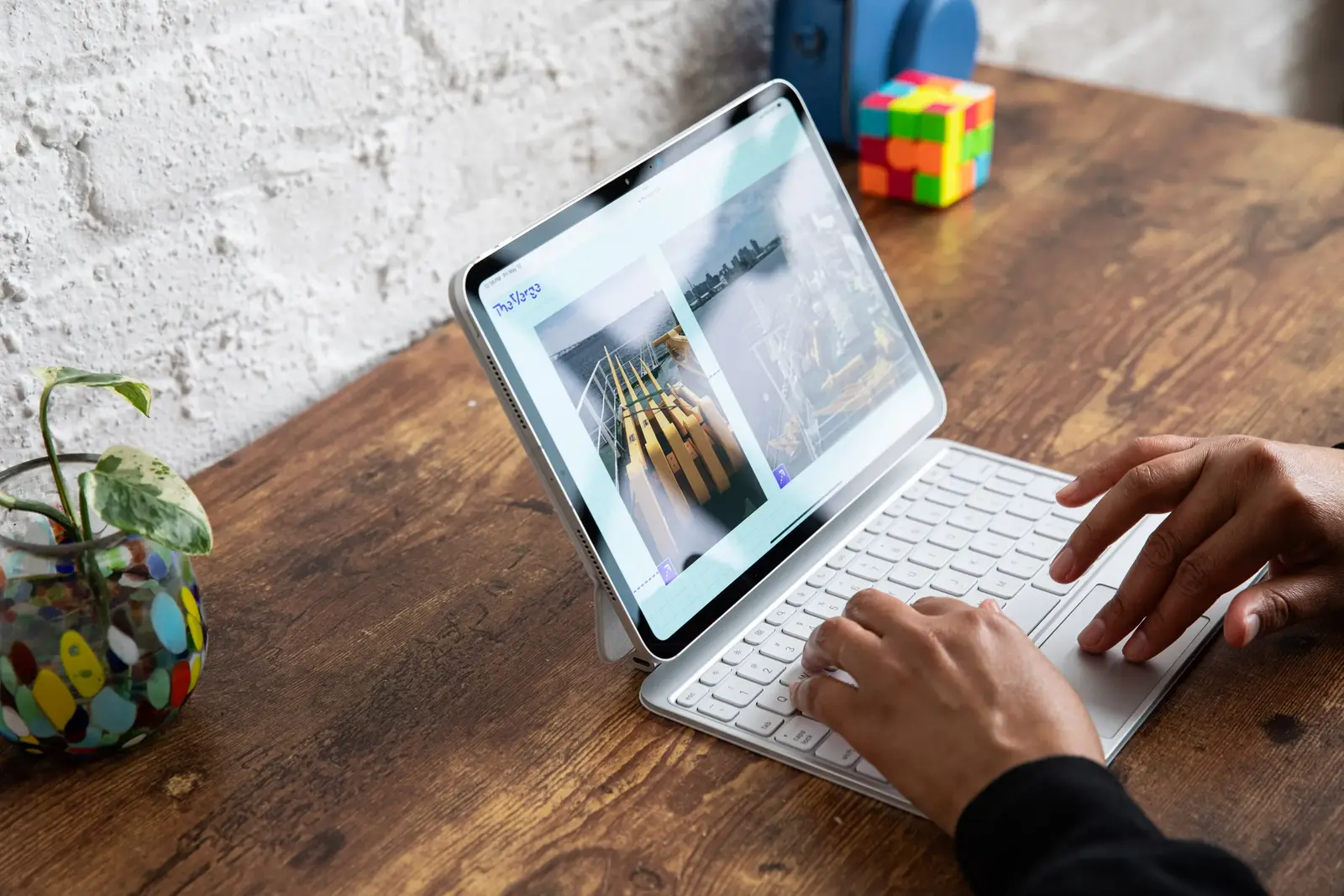 Apple Magic Keyboards for iPad Drop to Half Price at Woot
 Microsoft Provides Fix for Broken Exchange Online Apps
 Security Breach at AI Aggregator Exposes 18 Million Files and Private Chats
Material Files offers a more comprehensive file management experience than Google's default file manager. Its features make it an attractive alternative for Android users. The app is designed to be user-friendly and efficient. It provides a more detailed view of the file system.
Material Files has several features that distinguish it from Google's default file manager. It offers root access, allowing users to manage files that are not normally accessible. The app also features a built-in text editor and supports various archive formats. These features make it a versatile tool for managing files on Android devices.
Is Material Files the Future of Android File Management?
The app's interface is also noteworthy, with a clean and intuitive design. It provides a clear view of the file system, making it easy to navigate and manage files. Users can also customize the app's appearance to suit their preferences.
Material Files is likely to remain a popular choice among Android users due to its features and free availability. As Android continues to evolve, file manager apps like Material Files will play an increasingly important role. The app's developer will need to keep updating it to stay compatible with the latest Android versions.
The success of Material Files may also prompt other developers to create similar apps, potentially leading to a more competitive market. This could result in even better file management options for Android users in the future.
Frequently Asked Questions
Is Material Files completely free? Yes, Material Files is free to use with no in-app purchases or ads.
Does Material Files support root access? Yes, it allows users to access and manage root files.
Can I customize Material Files' appearance? Yes, the app offers various customization options to suit user preferences.
Comments
Leave a comment