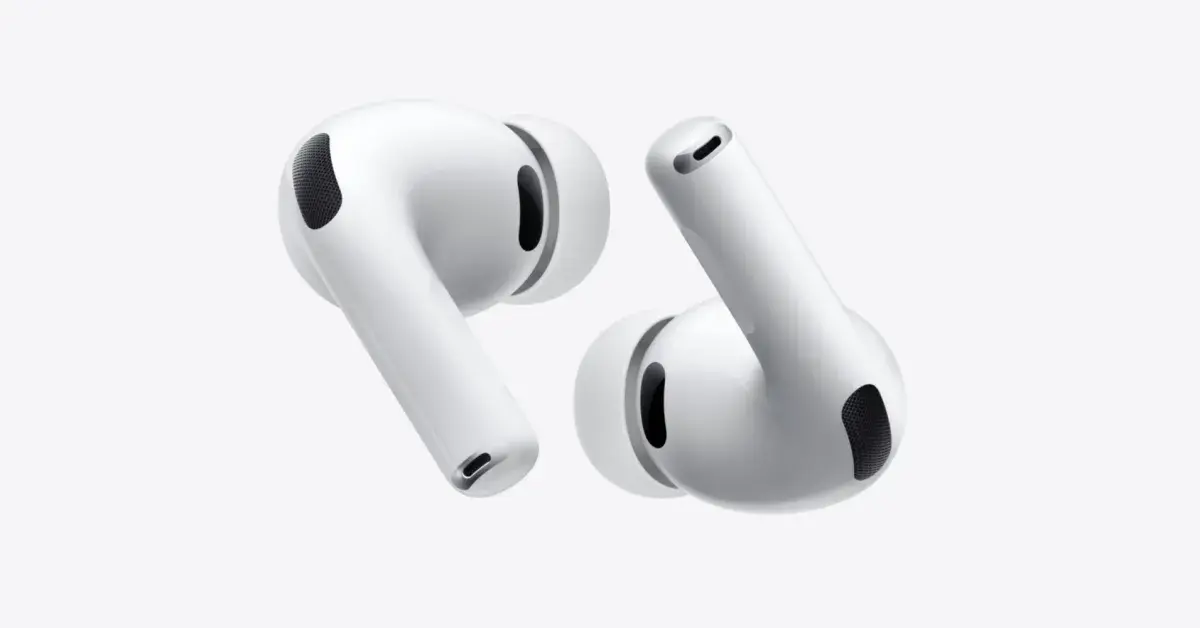
What Changed in Build 9B47
Apple has begun rolling out a fresh firmware update for its latest wireless earbuds. The new build, designated 9B47, targets the AirPods Pro 3 and several other models. This release arrives roughly two months after the previous notable firmware update. Users can check for the update through the Bluetooth settings on their i Phone or iPad. The process is automatic once the device is connected and charging.
Latest news
 Smart TVs frequently lose their Wi-Fi connection, leaving viewers staring at a spinning loading icon
 Why Ignoring Car Software Updates Is Risky
 Apple's foldable iPhone Duo introduces dual-display multitasking capabilities
 FCC Weighs Reciprocal Limits on Foreign Satellite Firms
The update focuses on stability and performance refinements. Apple did not publish a detailed changelog, but past updates have typically addressed connection drops, audio glitches, and battery drain issues. For the AirPods Pro 3, the new firmware likely enhances the adaptive audio features and improves the reliability of the active noise cancellation system. Users should ensure their iOS device is on the latest version before attempting the update.
Why the Two-Month Gap Matters
The delay between firmware releases is standard for Apple’s audio products. Development cycles depend on testing phases and quality assurance. This gap suggests Apple prioritized thorough testing to prevent regressions. It also gives users time to report bugs from the prior build, which informs the next iteration. The company typically reserves major feature drops for hardware launches, while firmware updates handle bug fixes and performance tweaks.
How do I install the new AirPods firmware? Connect your AirPods to an i Phone or iPad running the latest iOS or iPadOS. Place them in the charging case and keep the case connected to power. The update installs automatically within a few minutes.
Frequently Asked Questions
Which AirPods models receive build 9B47? The update is currently rolling out to the AirPods Pro 3 and other select models. Apple often phases these releases, so availability may vary by region and device generation.
Does the update require a factory reset? No, a factory reset is not required. Simply keep the earbuds in their case while connected to a powered device. The firmware writes directly to the hardware without erasing user data or settings.
Comments
Leave a comment